We use cookies to improve your experience and keep DungeonFog running smoothly. Accept all cookies or customize your choices. Details are in our Privacy Policy.
(Still no real cookies, sadly.)

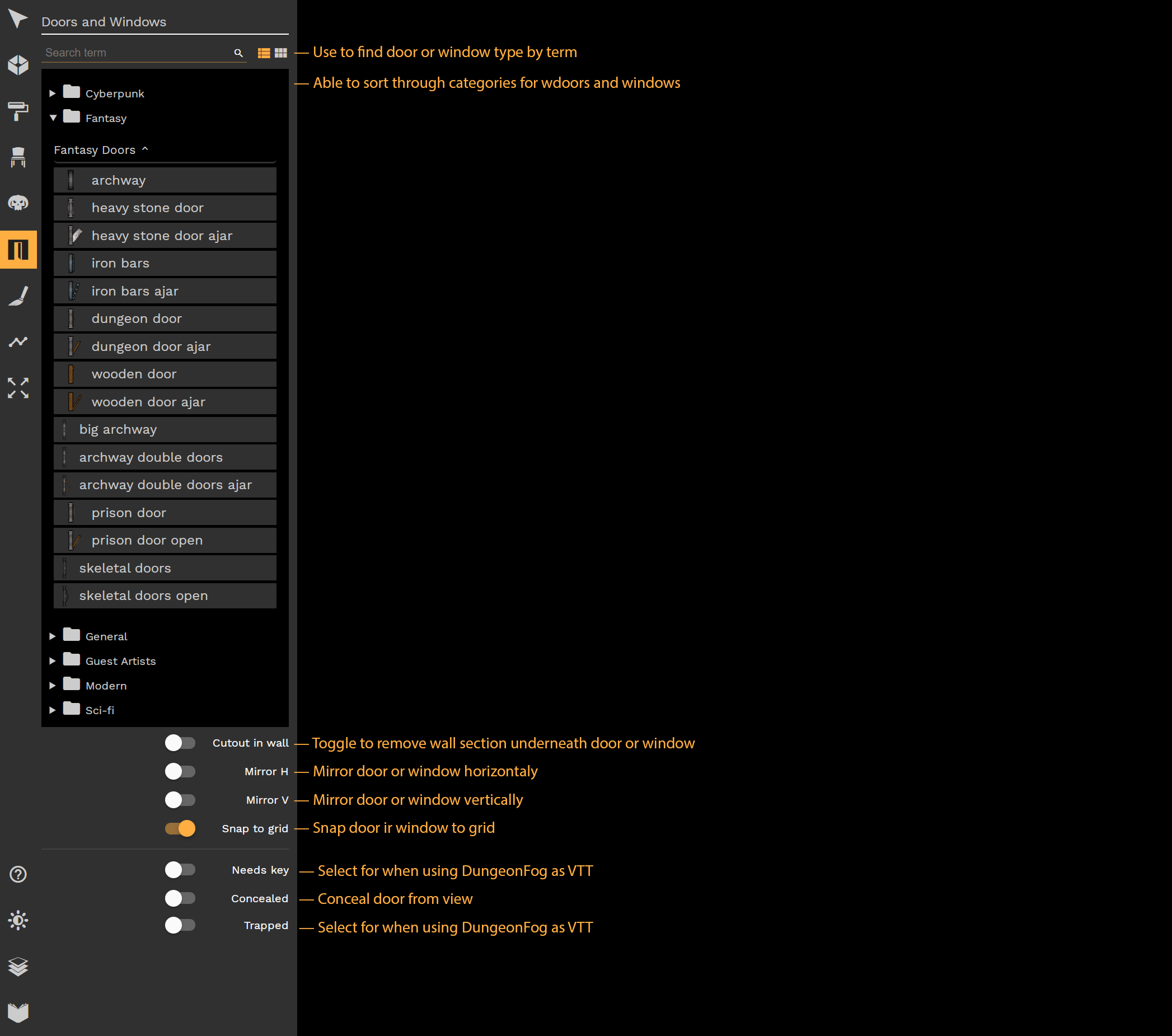
With the Doors and Windows Tool, you can select any of a number of doors and windows available and place them on your map on an existing room's wall.
To place a door or window, select a door or window from the selection pane, and hover over a wall to place it.